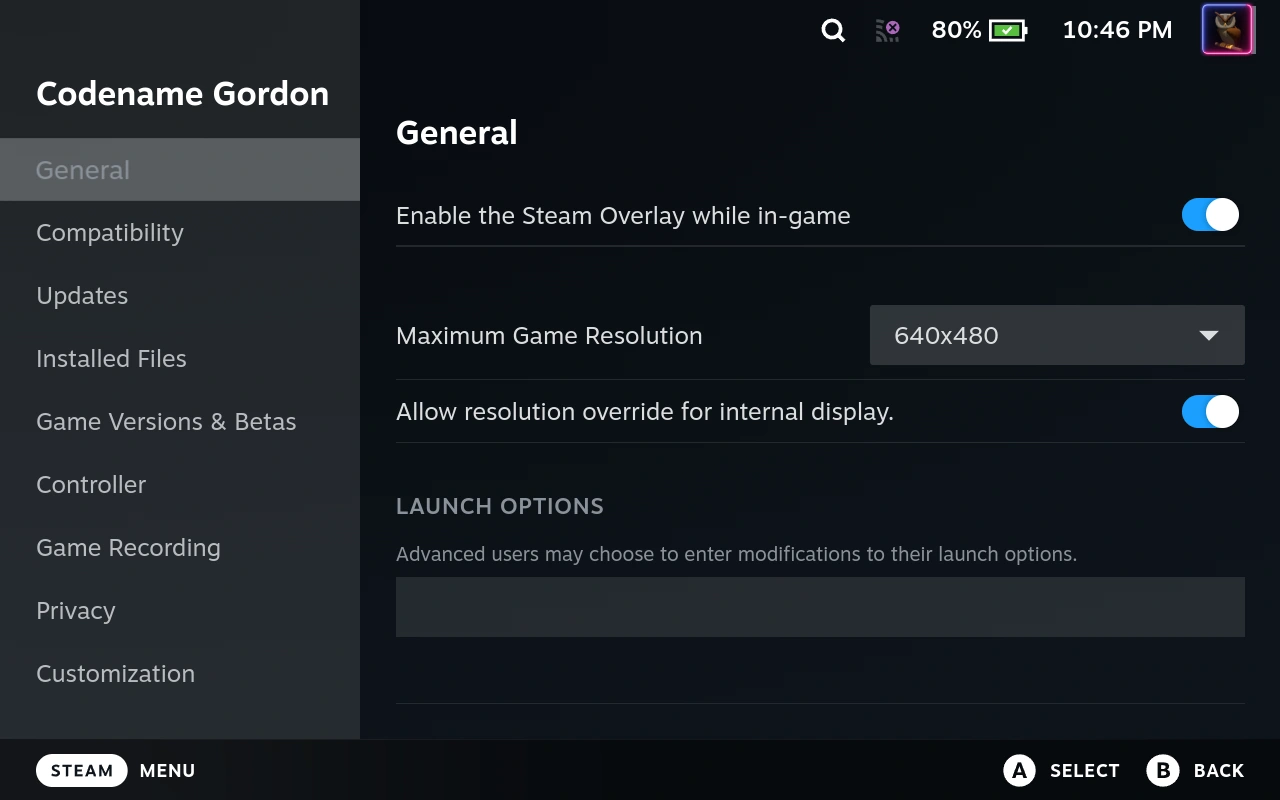
Codename: Gordon
Cliff Notes > Briefs > Steam > Steam Deck
According to SteamDB the "App ID" for Codename Gordon is 92 - which is handy because although the game is free it doesn't show up in the store any more, so you need the App ID to install it (steam://install/92 from a browser works on a PC, I assume it will on a Steam Deck too - but once it's in your library you can install and uninstall it as usual).
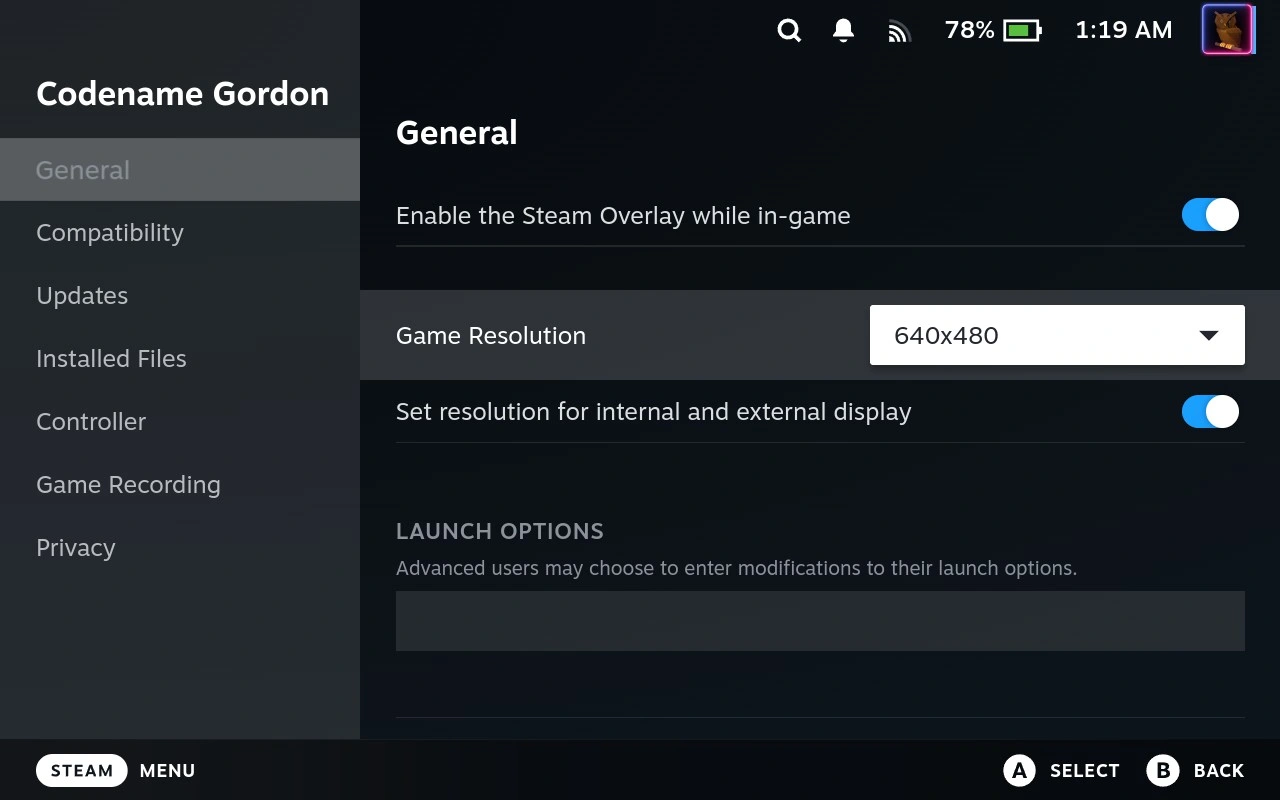
Once installed on the Steam Deck though the game runs... technically... you can hear the sound - but the screen is blank. Forcing the screen resolution to 640 * 480 prior to opening the game is your fix here,
Take care to also enable "Set resolution for internal and external display" if it is available.
Alternatively, enable "Allow resolution override for internal display." if that is available (I suspect they have just renamed the function to annoy Codename Gordon users).