
Edit Graphics
Cliff Notes > Steam Deck
Darkest Wales
I'm took a kind of break for a bit, during which SteamOS changed to the point where it makes more sense to tackle Graphics at this point. Which I've been eager to get to!(I have only the faintest excuse for including the "Chick Of Doom" image that I created years ago, so don't look TOO closely and we'll just move along and deal with some theory first...)
Target Image Dimensions
Since we're talking about getting imagery for the Steam Deck for BBC games, we should bear in mind the official Steam graphic dimensions. The SteamWorks Library Assets are the current official library template files. This is the place to get the the files right from the horses mouth, so to speak!
The graphics we should aim to produce for Steam areas follows - and I will try to give what I believe are the useful sizes within those images. The names of the images sometimes vary from site to site and sometimes even from paragraph to paragraph, so I will try to refer to as many variations of the names I'm aware of - but putting emphasis on the ones that Valve have provided in SteamOS which, for reasons that escape me, are different from everywhere else they are mentioned :(
Cover
What is probably THE most important image of all is here called the "Cover". This is the image you will likely see most often when browsing through your games looking for something to play. It is otherwise known as the "header", "Capsule", or "Library Capsule", "Poster", "Flyer" or.... even something like "Leaflet" IIRC?.
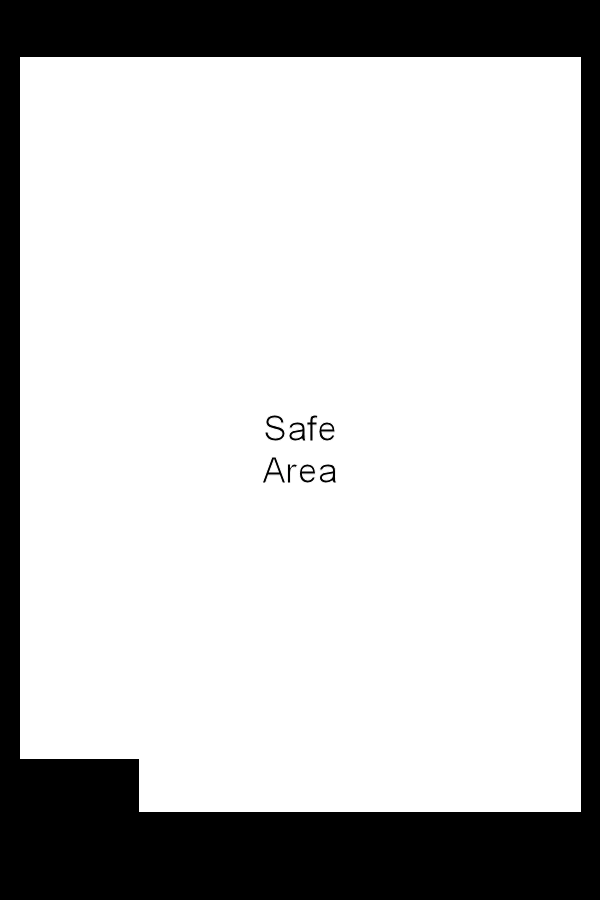
We should note that there is a "Safe Area" around this and other images - anything outside of the "Safe Area" could be obscured by the Steam interface at any given moment, so while you SHOULD included content outside of the "Safe Area" it should not be content that you consider important to identifying the game - just in case it DOES get hidden.
Standard Image Dimensions: 600 * 900 pixels
My Guestimate Steam Deck dimensions: 211 * 315 pixels
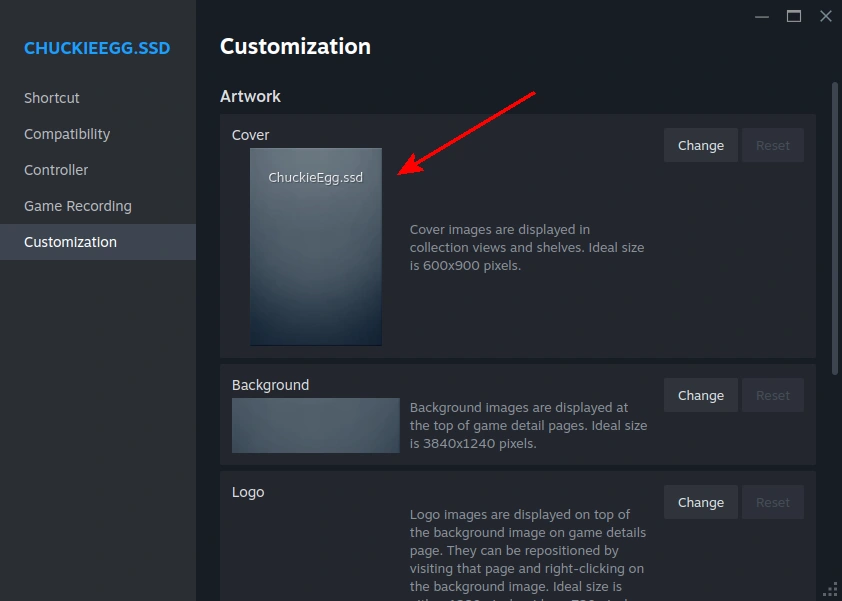
The images to the right, below, illustrate the SteamWorks Library Assets (this is a style of display that I shall continue).

Background
Also known as the "Library Hero" or simply "Hero", this is the largest image but is also prone to being covered the most - including by the "Logo" (see later). Be careful not to put anything important too close to the edges! Finding imagery to fill this neatly and accurately can be... tricky for BBC micro games, but we'll do the best we can.
Standard Image Dimensions: 3840 * 1240 pixels
My Guestimate Steam Deck dimensions: 944 * 320 pixels


Logo
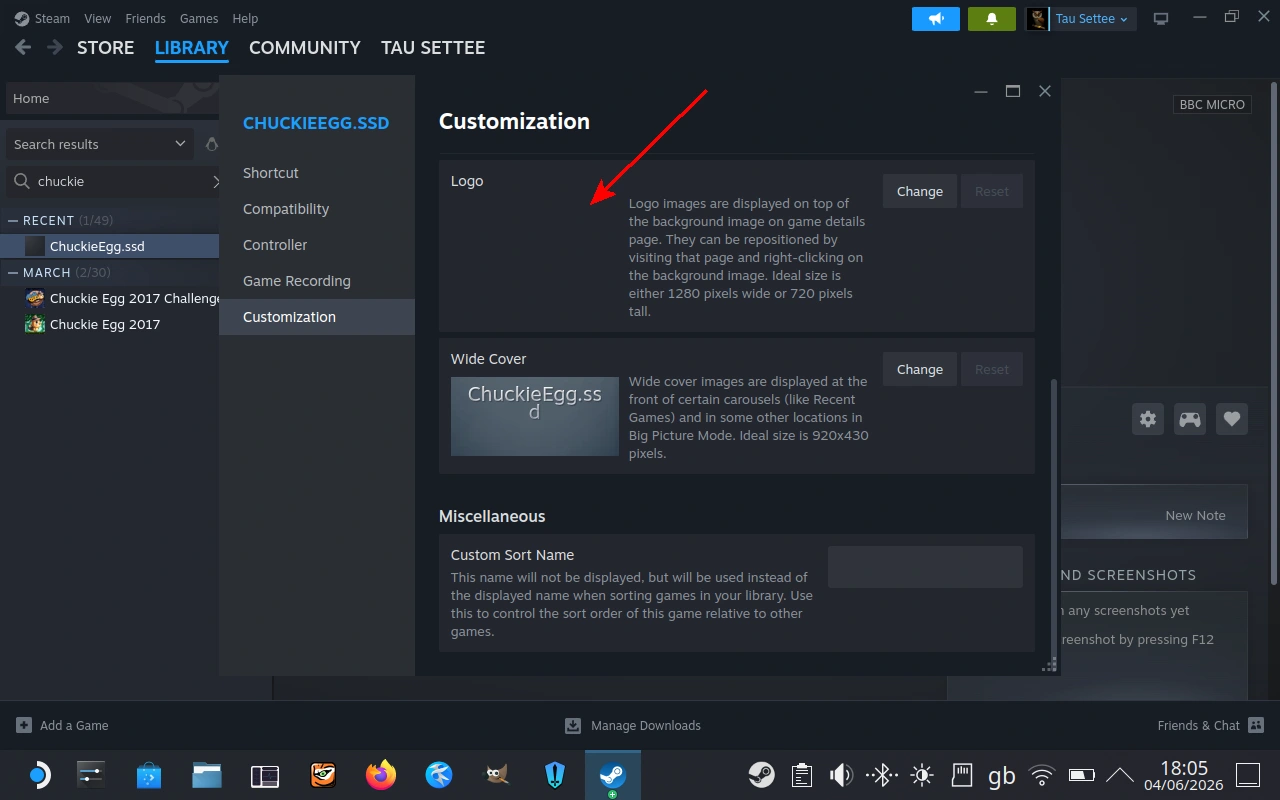
AKA "Library Logo", this is probably the most arbitrarily dimensioned image of them all - due to logos of various companies and games being of numeroud different proportions. Although I GENERALLY prefer the use of .PNG files because they compress losslessly and are an old, well-understood standard, using a .PNG here is almost mandatory because .JPG files (and some others) do not support transparency. How SteamOS decides to scale and place the logo over the Background is a mystery to me.
If you do not provide a Logo file then SteamOS will put the name of the game as tex over your "Background" - the results are rarely pleasing. An alternative that I have found useful is to use a 1 pixel by 1 pixel transparent .PNG file as the logo. This should give the Steam Deck the minimum amount of work to do whilst avoiding ruining the effect of the Background image.
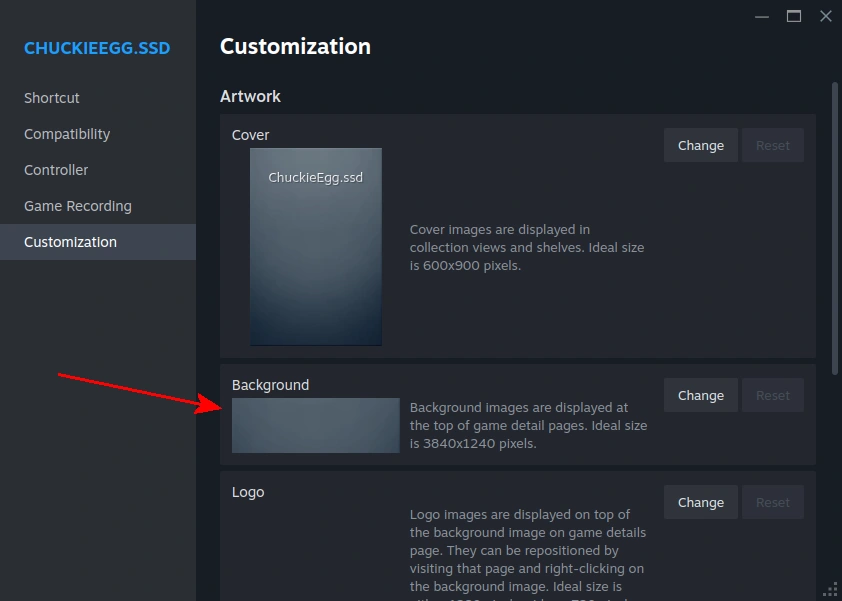
Usefully, it's possible to direct SteamOS to display the logo in the bottom left, top middle, or bottom right of the background image. You might just spot that the two images to the right were produced before Valve added the "Customization" feature to SteamOS for Non-Steam games...
Standard Image Dimensions: 1280 * 1280 pixels
My Guestimate Steam Deck dimensions: 320 * 320 pixels
Wide Cover
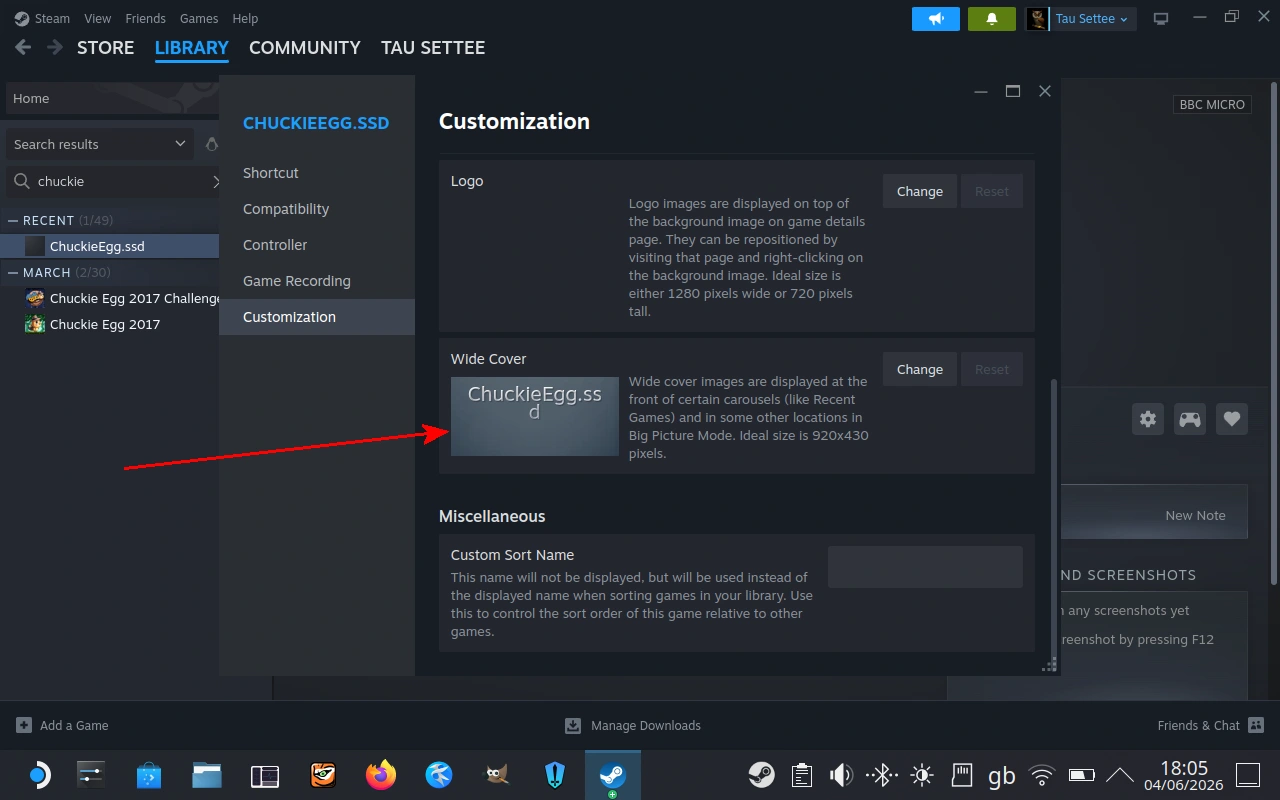
AKA "Library Header" and probably many other names. This doesn't get overlain by anything else, so we're free to fill it with graphic goodness.
Standard Image Dimensions: 920 * 430 pixels
My Guestimate Steam Deck dimensions: 655 * 307


Icon
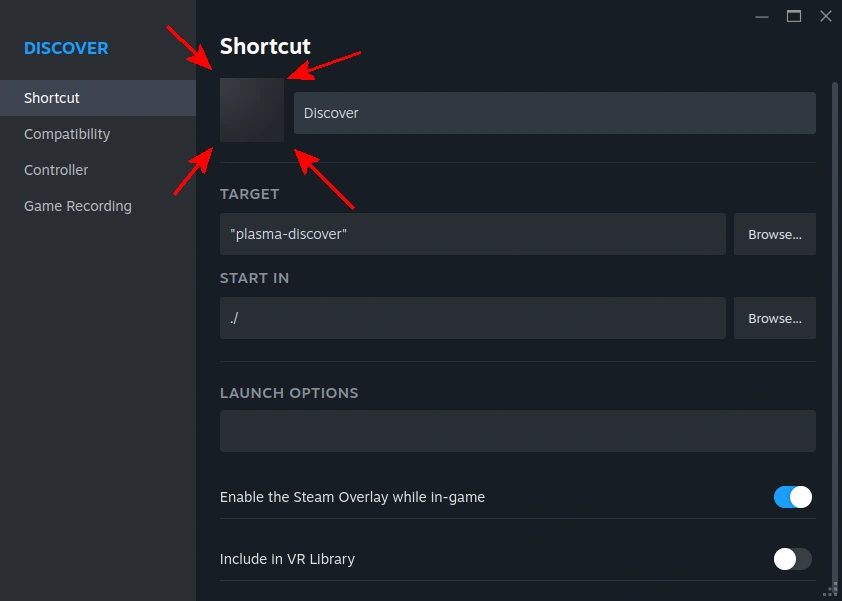
We covered this briefly in the previous chapter, this image is also known as the "Library Icon" and is placed within the SteamOS on the general "Shortcut" section of the "Shortcut" window, as shown below left. This is a square image which often appears to be very small - so don't invest TOO much time in it if you can't find (or make) a GOOD image that's suitable.
Standard Image Dimensions: 256 * 256 pixels
My Guestimate Steam Deck dimensions: Anything "square", though I would be reluctant to go below 8 * 8 pixels! I'm thinking maybe 48 * 48, as that's the size of the BeebEm logo (on the website, admittedly). I could produce a .ICO file, even one with multiple size variations, but I prefer more general file formats.

Screen Captures
Screen captures of a game in progress can make an excellent source of images - so, bearing in mind the target resolutions listed above, let's do our last bit of theory on the topic and document the BBC Screen resolutions - at least, for the screen modes that I think may be useful for games.
Screen Mode | Width (pixels) | Height (pixels) | No. of Colours |
0 | 640 | 256 | 2 |
1 | 320 | 256 | 4 |
2 | 160 | 256 | 16 |
4 | 320 | 256 | 2 |
5 | 160 | 256 | 4 |
Given that those are the standard graphic resolutions on the original computers, it's going to be worth bearing them in mind if/when we want to use screen captured graphics. Set BeebEm to capture to the best resolution for your intended use before capturing the screen!
Image Sources
I originally bought all my BBC games back in the 1980's and 1990's, and I feel rather ashamed about how poorly I have treated them. The physical tapes and discs (mostly tapes) have been stored in tents, marquees, and sheds - whatever was available for them at the time. The weather has not been kind to them, so I'm turning to The Internet and finding that some of my covers and books aren't so bad after all (my "econet" manual was in excellent condition the last time I saw it, for example). But many of them have not fared as well as the games themselves, stored on a variety of media (many of them spent a good deal of time on a Watford Electronics hard drive, although I seem to recall upgrading the hard drive itself at one stage).
So - where can we get good contenders for the various image sizes that we need (see above) to present our games respectably? Often we will have to use screen captures, though sometimes I hope to find covers on The Internet that will either be "good enough" as-is or which can be tweaked to be a little cleaner, crisper, or more representative of the game. Let's see...
This site seems to be a combination of a swap-meet and a database on games old and new. Whatever game you can think of seems to be there - along with scans of the covers (in cases I have checked). They might not have the BEST graphics - but in some cases they might have the ONLY graphics!
These sites have masses of data on everything Steam-related. This may help if your favourite BBC game has had a PC port or even a remake for Steam, but they are mostly likely to be useful in improving the graphics used on your Steam Deck if neither Valve nor the game publisher has done a good job at providing all the graphics required for an actual Steam game (Codename Gordon, Burn Zombies Burn, and so on).
I tend to think of the modern Superior Software as the home of "Repton and more" for the modern age. Some of their graphics - particularly logos - might be useful to you in constructing library graphics for Steam. You might even want to buy one of the modern games! (No, they don't have a clue who I am, I get no kick-back for mentioning them).
Producing the graphic files for a sample game
Let's produce a full set of imagery for a typical BBC game. Hmmm.... let's do.. Chuckie Egg, shall we?
Cleaning up imagery
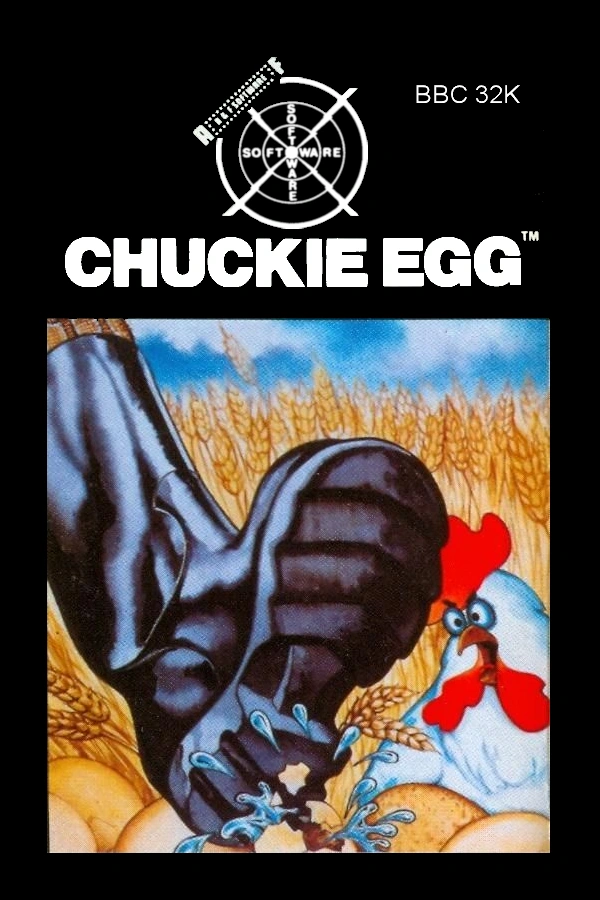
Combining the "Cover" with both a BBC Micro "Chuckie Egg" cover that I had to hand and an A&F logo from A&F Software Ltd. - MobyGames and a higher resolution Spectrum "Chuckie Egg" cover from Chuckie Egg box covers - MobyGames together with a little editing in Corel's PaintShop Pro (at time of posting much cheaper from the link to Ashampoo.com than direct from Corel - and I don't profit either way) allows me to put together a new version of the Cover as a .png file that always displays everything important despite the fact that Steam can obscure parts of images within the Steam interface from time to time - new BBC Chuckie Egg Cover presented for your comments... here!
If you read that sentence all in one go - BREATHE! Phew. I should probably try to break that up into bitesize chunks at some stage...
Naturally, the Steam Deck always presents the Cover images at a lower resolution, due to its 1280 * 800 screen - so we can change the size of the Cover for use on the Steam Deck and reduce memory usage and speed things up (technically - speed may be immeasurably faster). As far as I can see from a quick look, in normal use the Steam Deck never shows the Cover any larger than 211 * 315 pixels. So - how does my Chuckie Egg Cover look if reduced to that size?
Not too bad, I reckon. I expect I'll go on and produce more Covers to present at least my favourite BBC games within the Steam Deck interface - I might even produce full size Covers for use in Windows as I go.
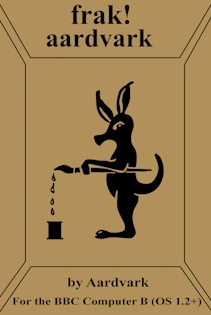
If you're willing to put a bit of work in, almost any Cover can be created or re-created. Here's my attempt at "Frak!", for example. Not perfect by any means, but it really helps to make my Steam Runtime look better, and identify the games I've got so much clearer than leaving me to the tender mercies of the SteamOS.
Producing New Images
Creating your own art
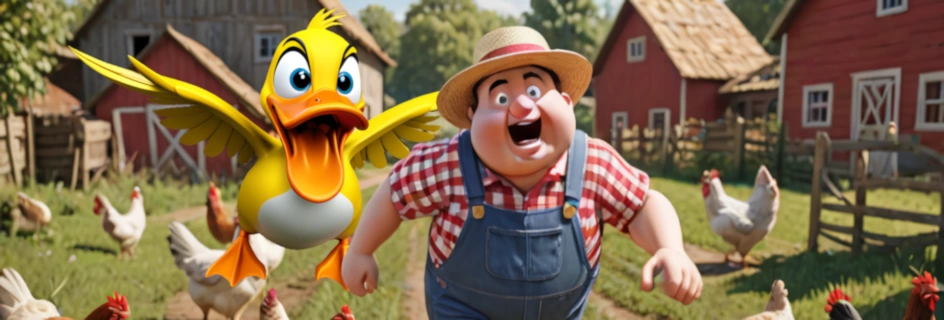
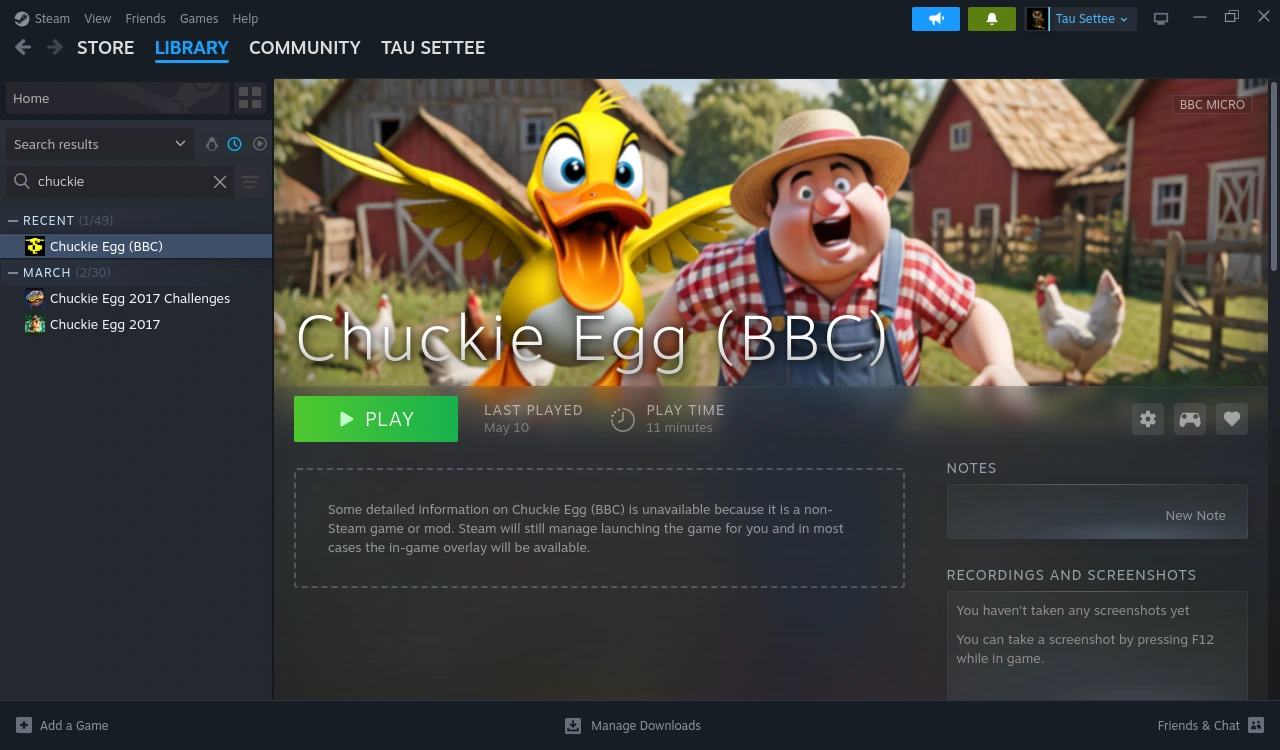
Sometimes you just cannot find an image that fills the proportions nicely. In that case you may have no option but to produce something yourself. In the case of Chuckie Egg I couldn't find an image suitable for the Background, so instead I produced some "AI slop" imagery which I've touched up to produce this image. Please don't imagine it was quick or easy! As with actual art, it was not so much "finished" as "abandoned". It's meant to depict "Henhouse Harry" being chased through his chicken farm by a big yellow duck. Let's see how that looks, along with the Cover, in our Shortcut window:
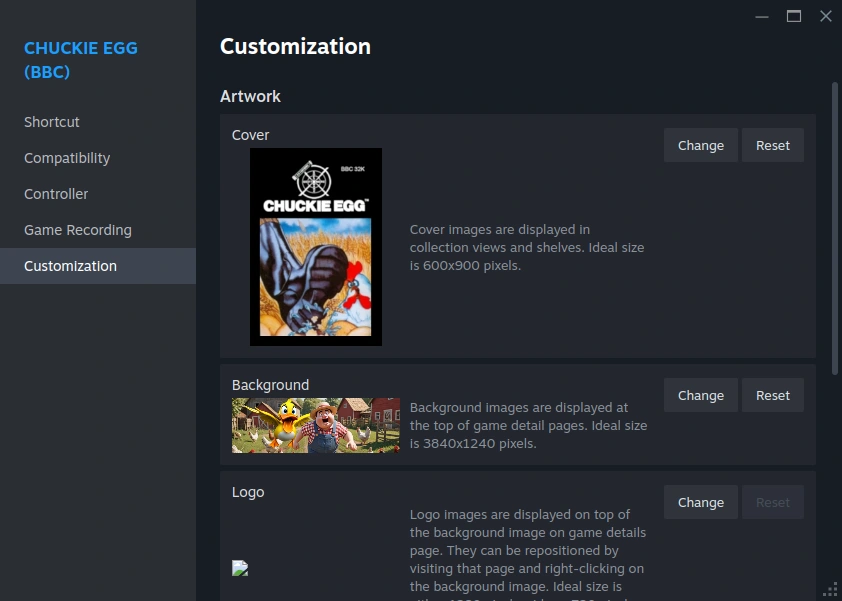
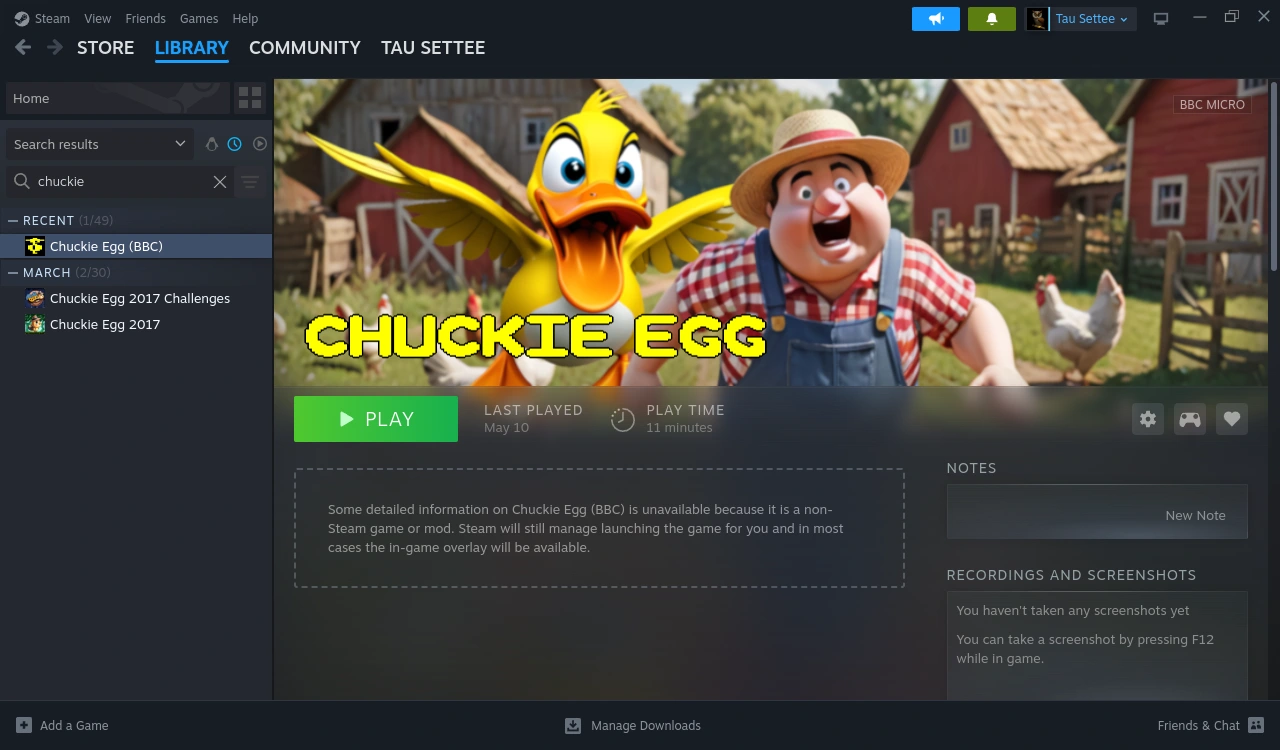
IIRC this came from a Spectrum image originally, with colours changed to suit the BBC and a black outline added to enhance clarity against a background - but I could be wrong. It's simple enough and suits Chuckie Egg better IMO than the bland white text.
By right-clicking the Background in Steam you can choose "Adjust" to resize the logo or pin it to Bottom Left, Center, or Bottom Center.
Screen Captures
Screen captures are great, especially with a little editing. Here's a screen-captured logo, with a screen-captured duck and a screen-captured Harry added to fill it out a little. To the right you can see it added to the "Customization" window.
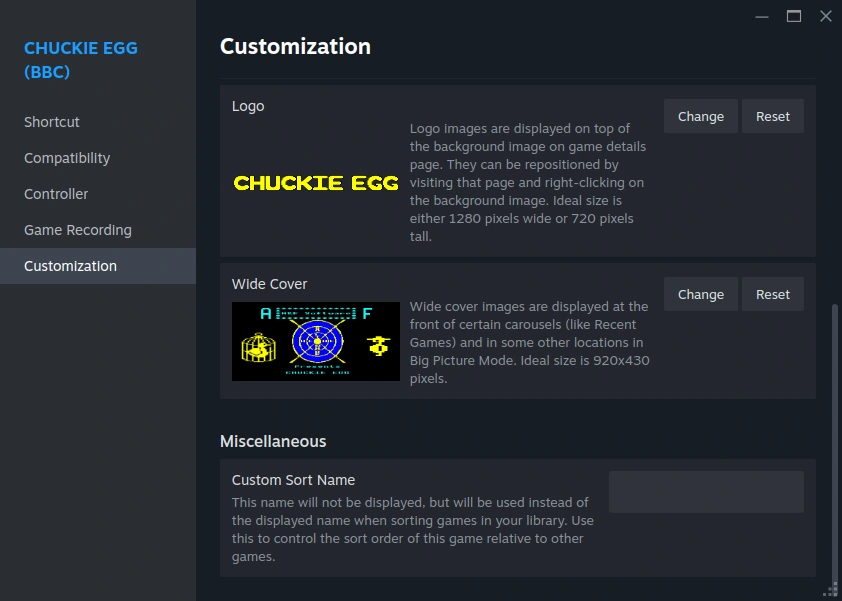
Not bad, not bad - but bearing in mind what I've previously said about logos - how does that look in Steam? Like this! ARGH! Not my favourite look, so let's rustle up a Logo file.

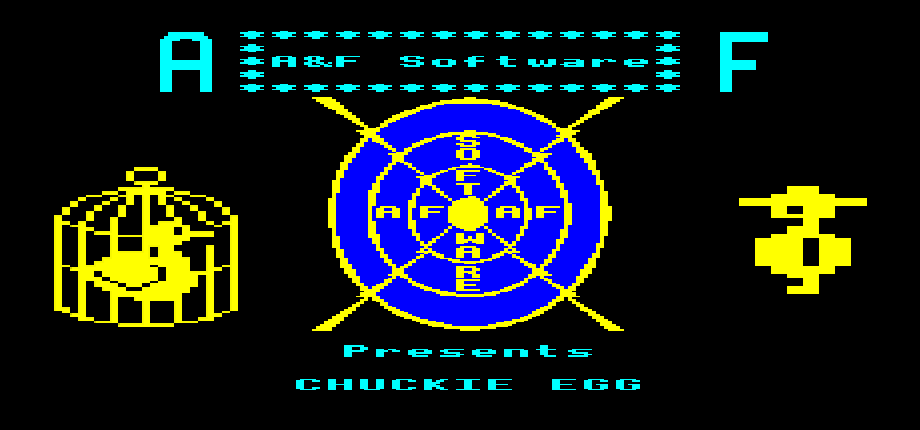
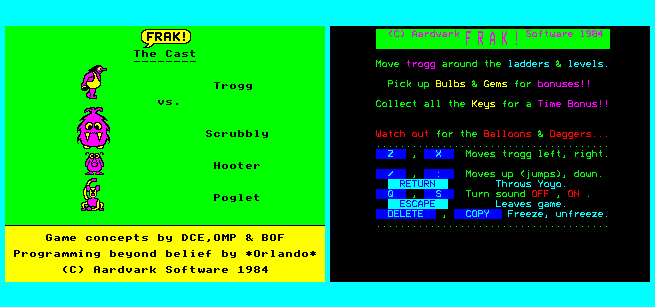
Slightly more extensive screen capture work can produce just what is needed for almost any situation. For example, here's a couple of simple graphics for the original Frak! made up from screen captures.
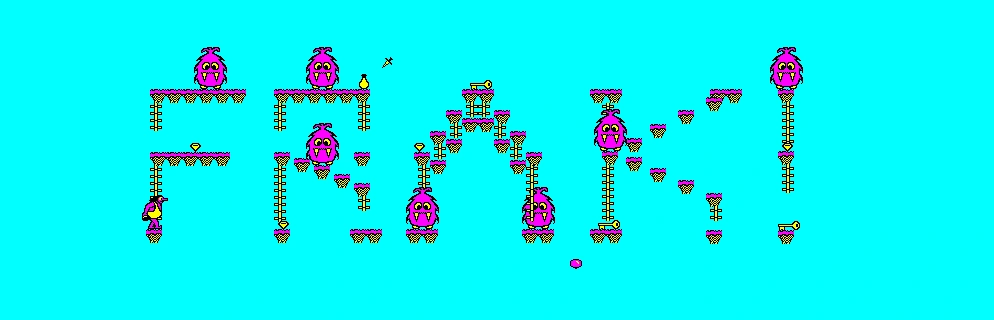
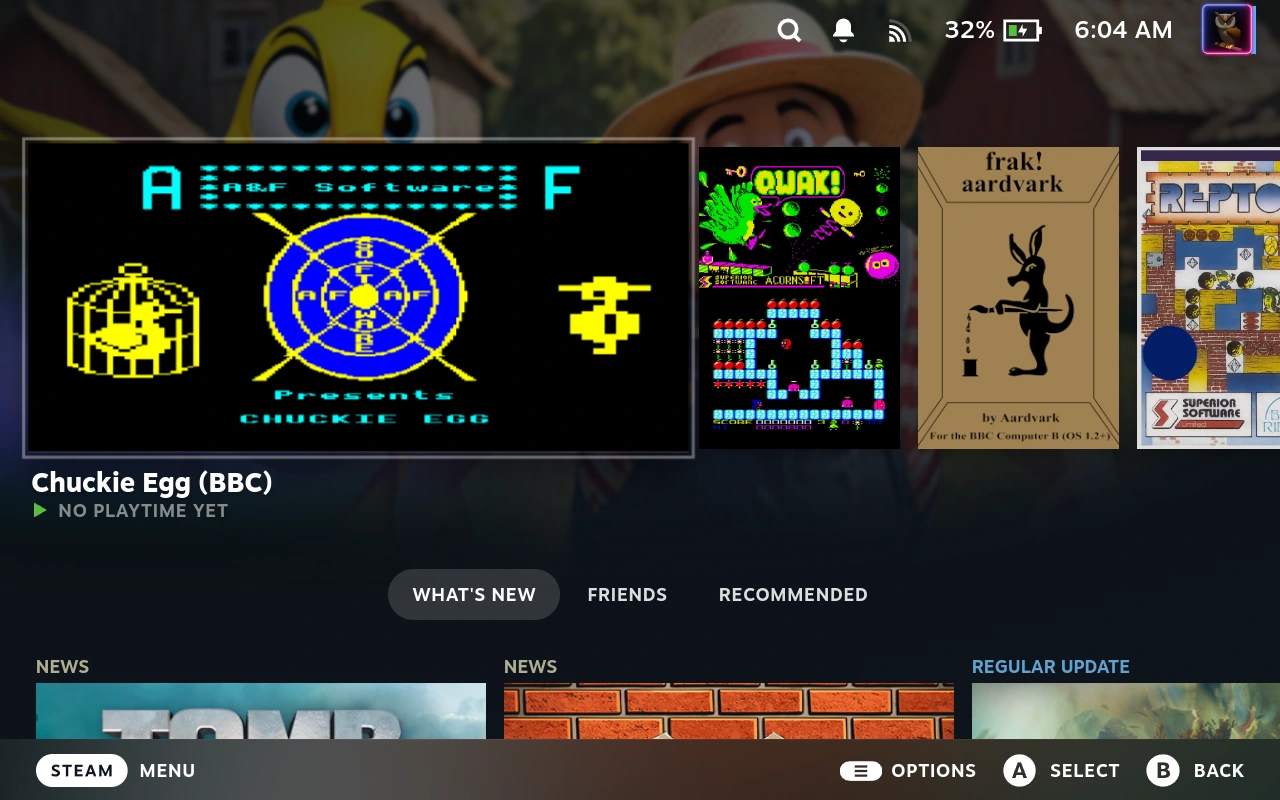
While here we see the result of the "Wide Cover" design as seen in Game Mode. You may just recognise the Background being used in the background to make things look just a bit more colourful and interesting.
/home/deck/.local/share/Steam/appcache/librarycache/
/home/deck/.steam/userdata/sillynumber/config/grid/
Beware beyond this line - I haven't quite tidied up yet :(
Library Cache - a local cache of all the STEAM graphics for your games library, stored on your SD even when the games aren't!
Grid - another set of images. Based on my Steam Deck at this early restored stage it looks like it might just be for non-steam games?
GitHub - Tormak9970/Steam-Art-Manager: Simple and elegant Steam library customization
About the BBC Master version of Elite - Elite on the 6502
I'm not responsible for the content of any other site or web page. I won't deliberately send you to the Dark Web, but don't blame me for what may happen on any site at some future date.